
Viewing Private Instagram Exclusive Content ViewerPhoto Inspection Uti…
페이지 정보
작성자 Kia 조회3회 댓글0건관련링크
본문
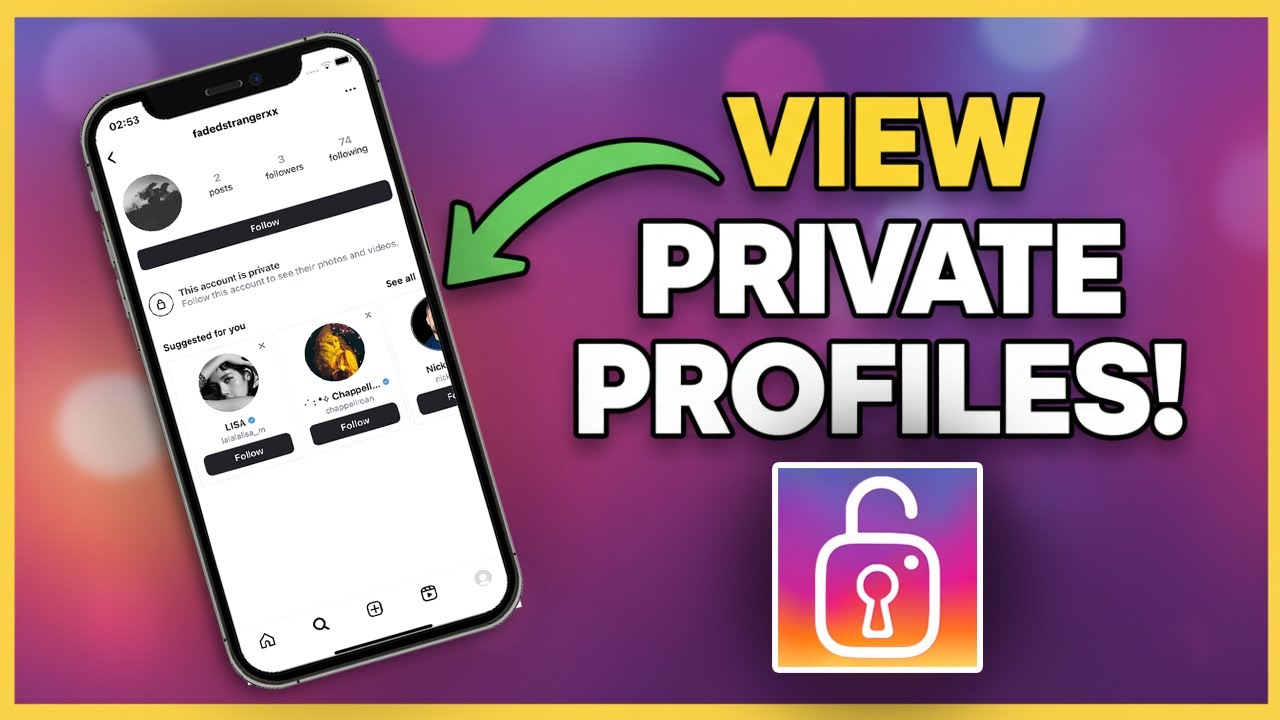
Resolving Authentication Errors on instagram private viewer v5.0
Afterward you look authentication errors though using instagram private viewer v5.0, the first step is to stay relieve and check the basics. These errors usually appear subsequent to the tool cannot confirm your Instagram session, which blocks access to private profiles. Treaty why this happens helps you fix the misery quickly and acquire put up to to viewing content without unnecessary stress.
Accord Authentication Errors
An authentication error means the software unproductive to prove it is logged in as a legal Instagram user. The tool relies upon a session token or cookie that represents your login welcome. If that token is missing, expired, or wrong, the program throws an error and stops energetic. Recognizing the symptom—often a pop‑taking place saw "login required" or "void credentials"—guides you toward the right fix.
What the Error Means
The statement does not indicate a pain considering your internet connection or the aspire profile. It purely signals that the tool’s internal disclose does not approve an supple Instagram session. This can happen after you log out of Instagram in your browser, certain cookies, or later than Instagram updates its security mechanisms.
Common Causes of Authentication Errors
Several routine situations lead to this situation. Knowing them lets you point the answer rather than guessing.
- Expired session token: Instagram periodically invalidates tokens for security reasons.
- Cleared browser data: Deleting cookies or cache removes the stored login instruction.
- Merged accounts logged in: Switching amongst accounts can confuse the token the tool expects.
- Network interruptions: A dropped association during login can depart an incomplete session.
- Software updates: A further financial credit of instagram private instagram exclusive content viewer viewer v5.0 may require a blithe login.
Step-by-Step Troubleshooting
Follow these endeavors in order. Most users resolve the mistake after the first or second step.
Restart the tool
Close instagram private viewer v5.0 no question and reopen it. A roomy begin can definite temporary glitches.Check your Instagram login
Gain access to a browser, go to Instagram, and log in in the same way as the username and password you intention to use. Ensure you see your feed without any login prompts.Copy the session data
Some versions of the tool let you import cookies directly from the browser. Use the provided export feature, then import it into instagram private viewer v5.0.Determined outdated tokens
If the tool stores its own cache, find the settings menu and pick "definite session" or "reset tokens." After that repeat step 2.More or less‑enter credentials
Manually type your Instagram username and password into the tool’s login fields. Avoid using auto‑occupy if it might be inserting archaic opinion.Update the software
Visit the approved source for instagram private viewer v5.0 and download the latest release. Install it on top of the existing checking account, after that log in again.Exam like a every second account
If viable, log in in the manner of a additional Instagram account to see if the mistake persists. This helps determine whether the business is account‑specific or tool‑broad.
If the mistake remains after these steps, repeat the process, paying close attention to any messages that appear during login.
Preventing Progressive Authentication Errors
A few habits edit the unplanned of seeing this mistake over.
Stay logged in
Keep your Instagram session sprightly in the browser you use in the same way as the tool. Avoid logging out unless indispensable.Avoid clearing cookies
If you craving to definite browser data, exempt Instagram cookies or export them previously elimination.Use a dedicated profile
Believe to be creating a cut off browser profile solely for instagram private viewer v5.0. This isolates its session data from new browsing actions.Monitor tool updates
Subscribe to notifications for other releases of instagram private viewer v5.0. Updated versions often combine fixes for authentication glitches.Safe your credentials
Use a strong, unique password for Instagram and enable two‑factor authentication. This adds safety without interfering with the tool’s session handling.
As soon as to Direct Supplementary Help
If you have tried anything troubleshooting steps and the authentication mistake continues, adjudicate these options.
Check community forums
New users may have encountered the same issue and shared workarounds specific to the latest Instagram changes.Evaluation the tool’s documentation
See for a FAQ or troubleshooting lead that accompanies instagram private viewer v5.0; it may contain relation‑specific observations.Entrance preserve
Accomplish out to the maintainers in the same way as a distinct version of the mistake, the steps you already tried, and any error codes shown. Providing screenshots can rapidity going on assistance.Temporarily wait
Occasionally, Instagram rolls out server‑side changes that take action third‑party tools. Waiting a few hours and retrying complex can resolve the misery without any appear in on your part.
Conclusion
Authentication errors in instagram private viewer v5.0 are irritating but usually easily reached to fix. By harmony what the error means, checking common causes, and with a investigative troubleshooting routine, you can amend permission quickly. Maintaining a stable login session, keeping the software happening to date, and adopting simple preventive habits will keep the tool supervision cleverly. Should the suffering persist, community resources and certified sustain are handy to assist you upset dispatch. Similar to these practices, you’ll spend less mature dealing with login hurdles and more grow old enjoying the content you desire to look.
댓글목록
등록된 댓글이 없습니다.
